
How an NFC Business Card Works
An NFC business card uses a tap to open a digital profile, while QR code backup keeps the same profile accessible to all phones.
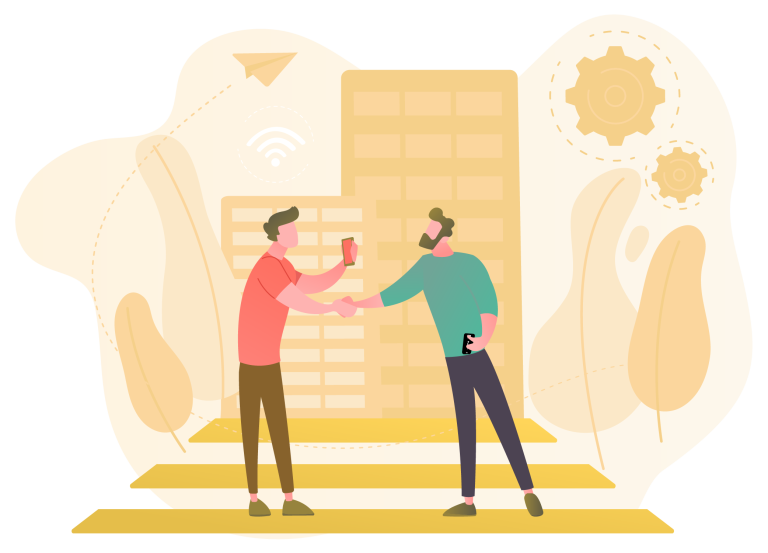
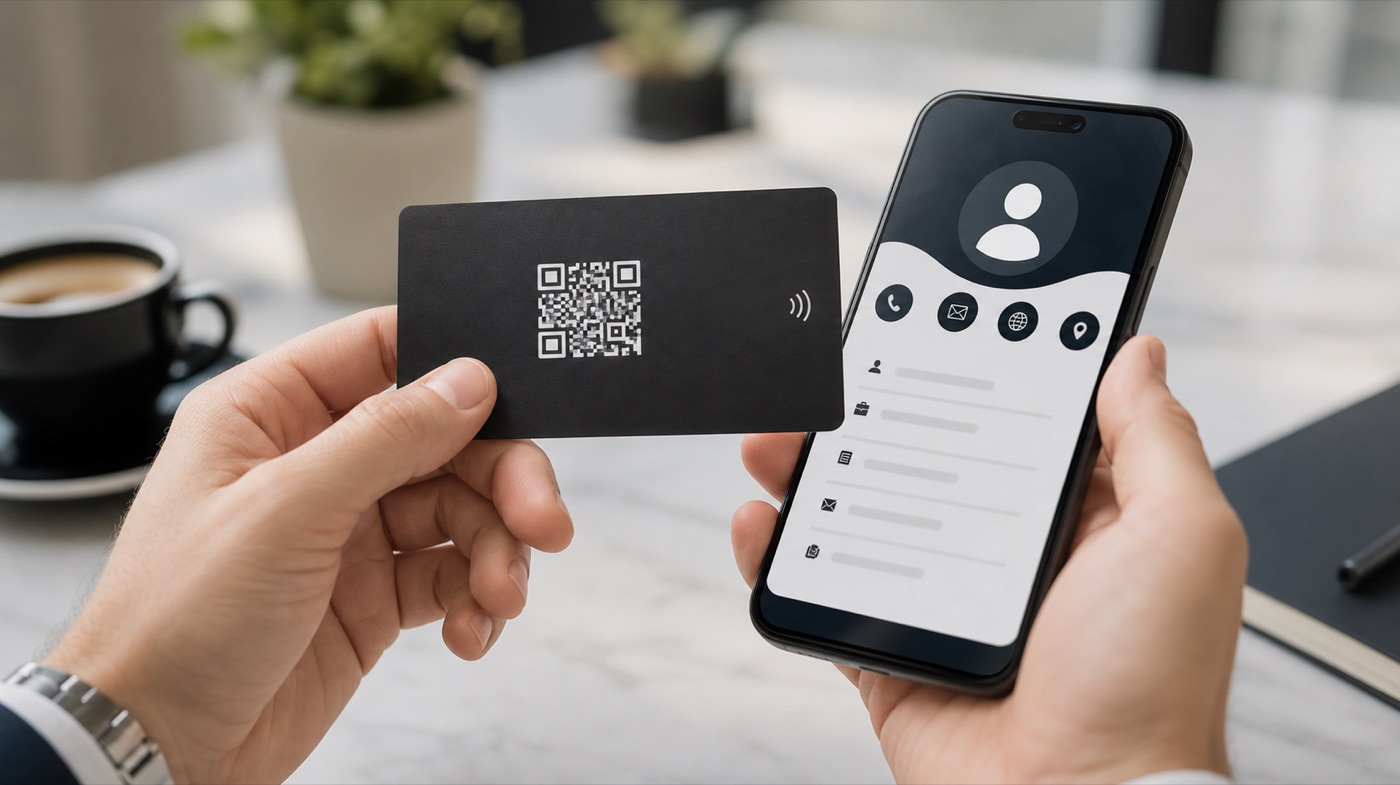
With the receiver phone screen awake, the card is brought near the top or back area. When the notification appears, the digital profile opens in the browser; if it does not appear, the same profile can be scanned by QR code.
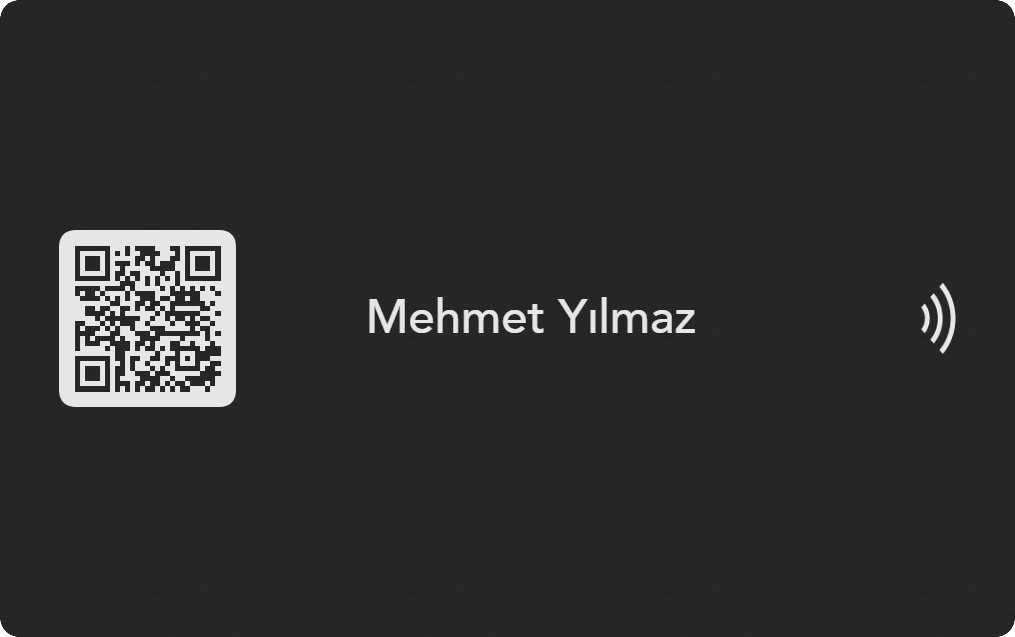
How exactly does an NFC business card open on a phone?
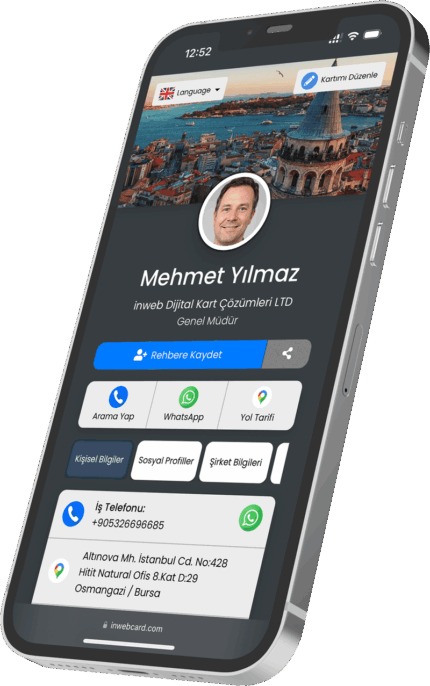
An NFC business card contains a passive NFC chip that is read from a very short distance. When the card approaches the phone reading area, the phone detects the digital profile link stored on the chip and shows an actionable notification. When the user taps it, the profile opens in the browser; the receiver does not need to install the inwebcard app.

Reading differences on iPhone and Android
| Checkpoint | iPhone | Android | inwebcard note |
|---|---|---|---|
| NFC setting | Newer iPhone models usually scan background tags more smoothly when the screen is awake. | Many Android phones require NFC to be enabled. | On Android, check NFC or Contactless payment in Settings. |
| Read point | Usually the top/back area of the phone is used. | Depending on brand and model, the middle, top or camera area may read better. | If it does not open immediately, move the card slowly around the back of the phone. |
| App need | The profile opens in the browser; no special app is required for the receiver. | The profile opens in the default browser or link chooser. | inwebcard is designed around app-free sharing. |
| Backup access | If the NFC notification does not appear, scan the QR code with the camera. | If NFC is off, unsupported or weak, QR can be used. | NFC and QR should point to the same profile so access is not lost in the field. |
Why might an NFC business card not scan?
NFC is turned off
On Android, the card may not scan if NFC is disabled. Enable NFC in settings or use QR code.
The read area is different
NFC antenna location varies by model. Try the top, center and camera area briefly.
Case or metal interferes
Thick cases, metal surfaces or magnetic accessories can reduce reading distance. Bring the card closer to the phone.
The device may not support NFC
Some budget Android models or regional variants may not include NFC. QR backup is used in that case.
No internet connection
The NFC tap triggers the link; the phone still needs internet to load the profile.
Profile link is not current
After delivery, confirm the card is assigned to the correct URL and save-to-contact fields are filled.
Best field usage flow
Explain it briefly first
Tell the receiver to bring the card close to the phone so the expected action is clear.
Keep the screen awake
NFC notifications are easier to notice when the phone screen is active.
Use QR if no notification appears
Because QR points to the same profile, the conversation flow does not stop.
Show save to contacts
After the profile opens, save-to-contact, WhatsApp, call and social links can be used quickly.
Short answers
Does an NFC business card require an app?
No. The profile link opens in the phone browser; the receiver does not need a special app.
Where should the NFC business card be tapped?
On iPhone, usually the upper/back area; on Android, the upper, middle or camera area may work better depending on model.
Why should an NFC business card include QR code?
If NFC is off, unsupported or the read point is hard to find, QR code provides fast access to the same profile.
An NFC business card is not only a printed product; it is a physical card + NFC chip + QR code + updateable digital profile. When these four parts work together, the card becomes faster and more reliable.
How an NFC Business Card Works An NFC business card works by connecting the physical card to a digital profile URL stored behind the card interaction.
When a compatible phone is tapped on the card, the phone opens the profile. When NFC is not available, the QR code opens the same page.
Who is it for?
This flow is useful anywhere speed matters: sales meetings, fairs, reception desks, showrooms and networking events.
Why choose inwebcard?
- Tap or scan
- Browser-based profile
- Save-to-contact options
- Information can be updated
- Works across modern iOS and Android devices
Tap, open, save
The best NFC card removes friction from the first contact and makes follow-up easier.
What to check before buying
Make sure the card experience includes both NFC and QR, clear profile actions and a fast mobile page.
Frequently asked questions
What does the phone open?
It opens the digital profile page.
Does NFC store private data?
The card typically opens a profile link; you control what is shown there.
What if the phone is older?
The QR code can open the same profile.