
NFC Business Card
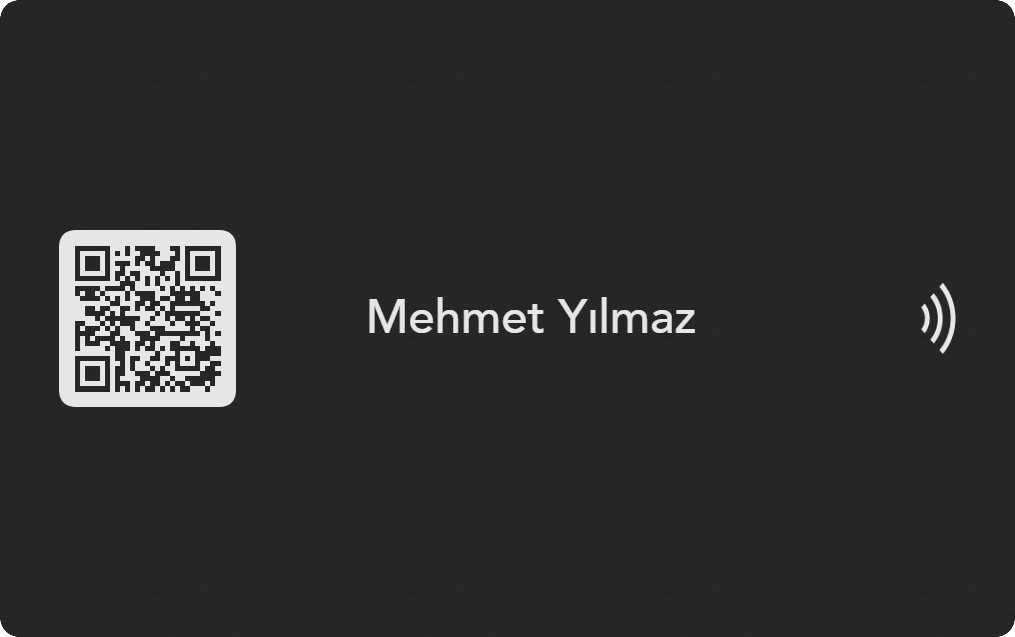
An NFC business card opens your digital profile with one tap and keeps QR code as a reliable backup.
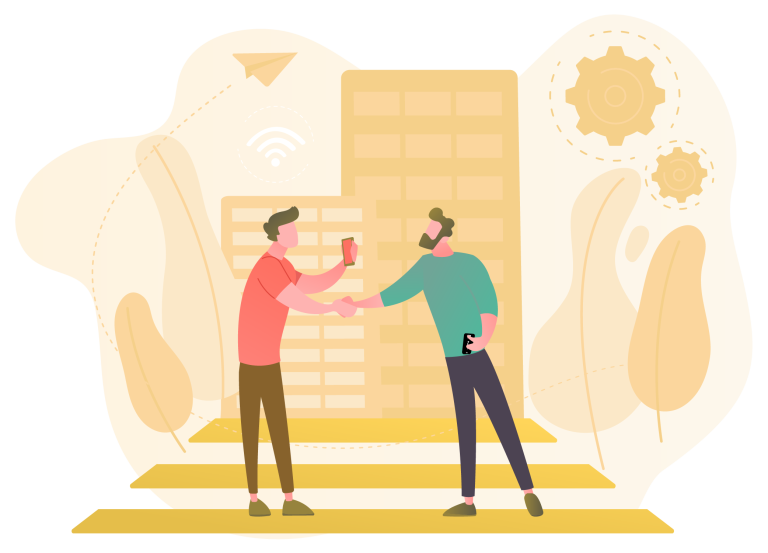
How is an NFC business card scanned?
An NFC business card opens a digital profile link when it is brought close to the NFC antenna of the phone. Most newer iPhone and Android phones can show this link in the browser without an extra app. On Android, NFC may need to be enabled; if the phone does not support NFC, the QR code on the card opens the same profile.
With the receiver phone screen awake, the card is brought near the top or back area. When the notification appears, the digital profile opens in the browser; if it does not appear, the same profile can be scanned by QR code.
Bring the card close
Hold the card near the phone NFC reading area for a few seconds.
Profile notification appears
The phone shows the inwebcard profile link on the screen.
It opens in the browser
The receiver views your contact profile without installing an app.
Saved to contacts
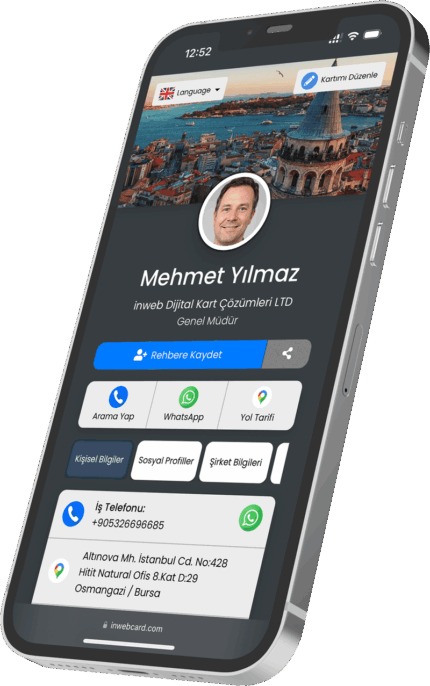
Phone, email, WhatsApp, map and social links become easy to use.
NFC is very fast, but NFC settings and antenna locations vary by phone. QR backup keeps the same digital profile reachable even when the device experience changes in the field.
Technical checklist before choosing an NFC business card
- Do NFC and QR code point to the same profile?
- Does the profile open fast over HTTPS without an app?
- Is saving to contacts easy?
- Can phone, title and social media details be updated later?
- Can company logo and team standards be preserved?
- Are print, quantity and delivery details clear?
Where is an NFC business card stronger?
Events and fairs
The card does not run out during busy introductions; the profile opens quickly and saving becomes easier.
Sales visits
Representatives share current details with a consistent brand look.
Corporate teams
Title, team, phone and social channel changes are managed without reprinting.
Who is an NFC business card suitable for?
An NFC business card is strongest in work where face-to-face contact is frequent. Sales teams, fair participants, showroom staff, consultants, doctors, lawyers, real estate professionals, export teams and field staff gain a more measurable and updateable sharing experience than a classic paper card.
The NFC tap starts the profile; save to contacts, WhatsApp, website and social links become actions on one screen.
NFC Business Card An NFC business card contains a chip that triggers a digital profile when a compatible phone is tapped on the card.
inwebcard pairs NFC with a QR code, so the same profile can be opened even when a phone does not support NFC or the NFC setting is disabled.

Who is it for?
It is practical for fairs, showrooms, sales visits, business meetings, healthcare, real estate and field teams that need quick contact exchange.
Why choose inwebcard?
- One-tap profile opening
- QR fallback for all phones
- No app required for the receiver
- Updateable contact profile
- Professional physical card experience
NFC is stronger with QR backup
A reliable card should not depend on one phone setting. inwebcard uses both NFC and QR for broader compatibility.

What to check before buying
Check whether the card includes QR backup, profile editing, save-to-contact actions and a mobile page that loads quickly.
Frequently asked questions
What happens when NFC is off?
The QR code can open the same profile.
Is NFC safe?
The card opens the profile link you control.
Can teams use it?
Yes. It is suitable for corporate card standards.